Five stops, from the first page the bird opens to the report it writes.
Dr. Canary is a secret shopper for websites. It arrives on your site like a customer, uses the tools it finds and, with monitoring, sends a test inquiry if its shopper is set to, reads the emails and texts that come back, and writes a report with a capture of what it saw.
It opens your site in an ordinary browser and follows its public links, the way a customer’s visit begins.
Example ledger
✓homepage loadspass
✓inventory search openspass
summitridgekia.com
Example · Summit Ridge Kia, a fictional store
Stop 2 of 5
Uses the tools it finds
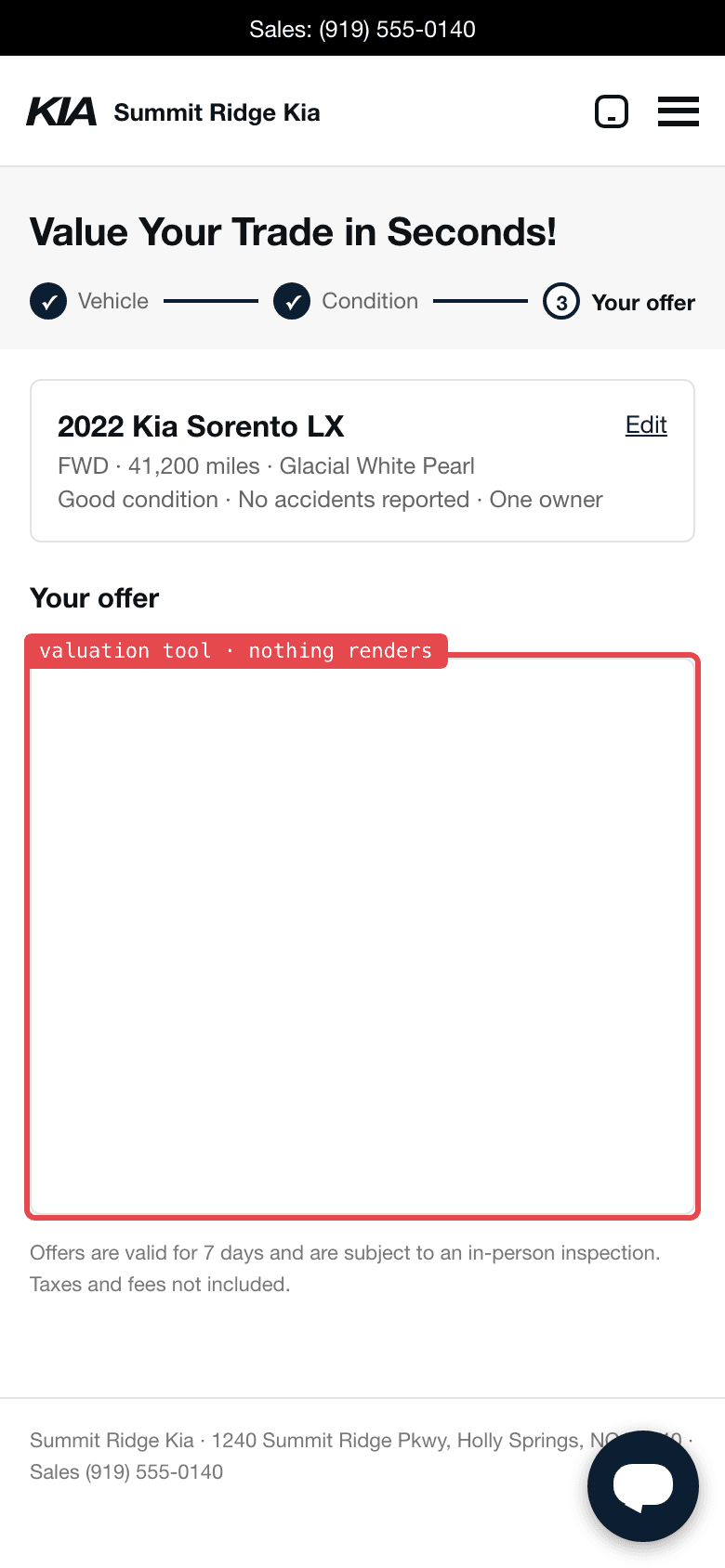
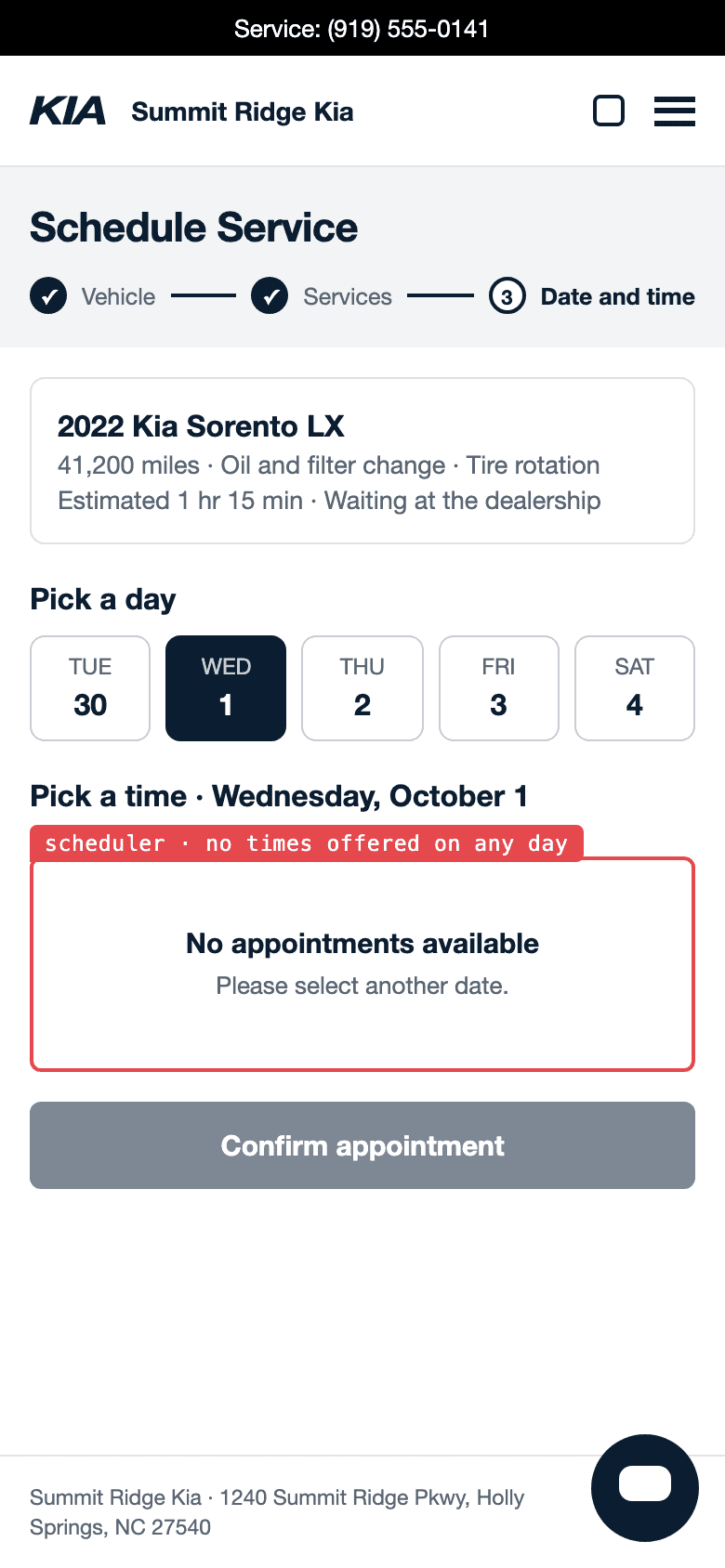
It tries the search, forms, calculators, schedulers and chat the way a customer would, and keeps captures as it goes.
Example ledger
✓trade-in form takes a vehiclepass
✗an offer is shownFAIL · nothing renders
Example · Summit Ridge Kia, a fictional store
Stop 3 of 5
Sends a test inquiry
With monitoring, a shopper set to submit sends a test inquiry that names itself as an automated Dr. Canary site test. A shopper set to look only stops at the last step before anything is sent.
Example ledger
✓contact form sentpass
✓confirmation shownpass
Contact us · Used SUVs
NameDR CANARY · AUTOMATED SITE TEST
MessageDo you have any used SUVs under $30,000? And does the $1,500 off Sportage special on your site apply to a used one, or only to new?
Sent
Example · Summit Ridge Kia, a fictional store
Stop 4 of 5
Reads what comes back
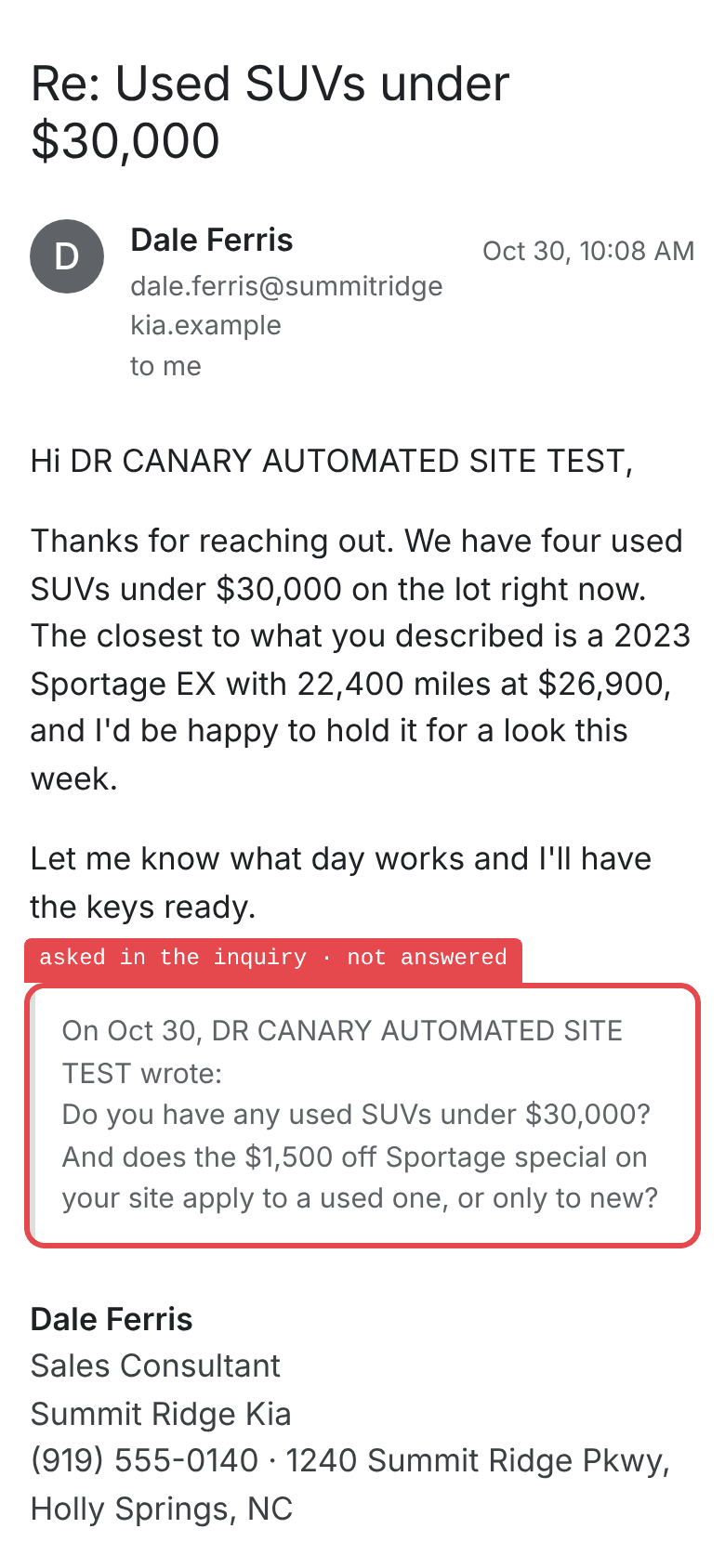
It reads the emails and texts the business sends back after the inquiry and sees whether the store called. It keeps each email and text with the check.
Example ledger
✓email reply arrivespass
✗the special is answeredFAIL · not answered
Example · Summit Ridge Kia, a fictional store
Stop 5 of 5
Writes the report
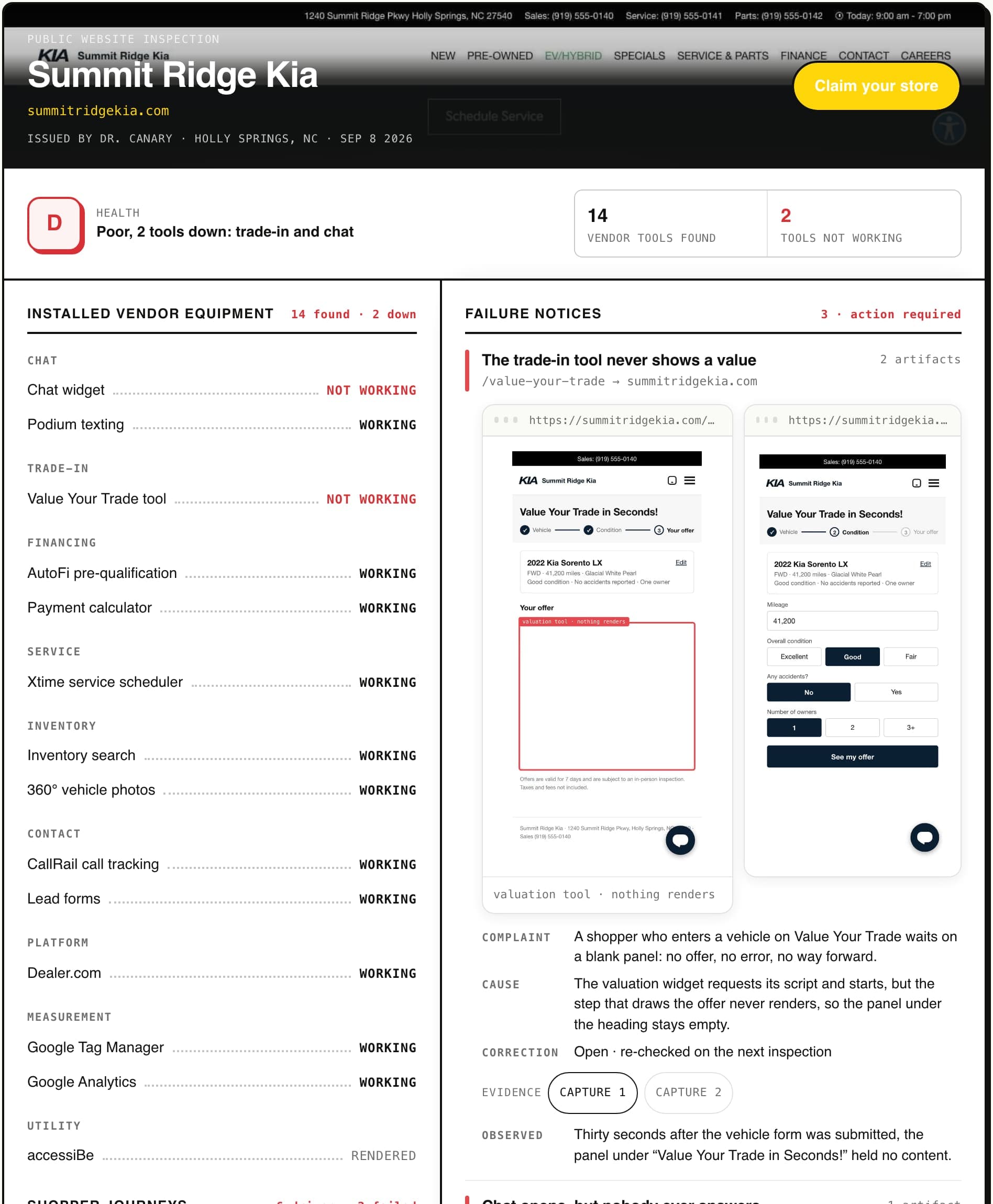
The check lands in a graded report dated the day of the inspection: each finding with the screen or message a customer saw and the page it happened on.
Example ledger
•healthD · poor
•findingseach with its capture
drcanary.com/dealers/example/
Example · Summit Ridge Kia, a fictional store
Press a stop, or use the arrow keys.
Three things it checks
User experience
The bird uses the tools on your site the way a customer does and keeps captures as it goes.
A saved secret shopper. It has a name, the departments it shops, whether it submits inquiries or looks only, how often it runs, and areas of focus: things you ask it to try.
A report with a letter grade, the tools the bird found and whether each one worked, and every finding with an annotated capture of the screen a customer saw.
A one-time checkup is $150 per location, once. It sends no test inquiries.
On a schedule
Monitoring shops your site again on a schedule, monthly, biweekly (every 14 days) or weekly, from $249 a month per location. It carries a monthly allowance of test inquiries per location, and it is what lets you edit saved shoppers and request re-checks.
Checks come from a short list of IP addresses published on our crawler page, and a site can let them through by allowing those addresses. The page also says what the crawler does and does not do, and how to opt out through robots.txt.
Which of my sites are connected, and what are their saved shoppers set to do?
list_sites
list_assignments
What did the latest published report find on my site?
list_reports
get_report
Is the check I asked for still running?
list_runs
get_run
A queued check is not a finished one, and a finished check is not yet a published report.
Questions
What is Dr. Canary?
A secret shopper for websites. It uses your site the way a customer does and, with monitoring, sends a test inquiry if its shopper is set to, reads what comes back, and writes a report with a capture of each finding.
Is it a person or software?
Software. Each check is automated and runs in an ordinary browser, and it does not place phone calls.
Does it visit the showroom?
No. It shops the digital journey up to the front door: the website, its tools, its forms and the replies that come back. Its test customer never arrives in person.
Does it send real leads?
Only with monitoring, and only when the shopper is set to submit inquiries. The inquiry names itself as an automated Dr. Canary site test. A one-time checkup sends none, and on a public or unclaimed site the bird stops before anything is sent.
How often does it check?
A checkup is one check. Monitoring checks monthly, biweekly (every 14 days) or weekly, and you choose which.
What do I get?
A graded report dated the day of the inspection. Each finding carries the screen or message a customer saw and the page it happened on. Monitoring also sends an alert the morning something breaks.
How is this different from uptime monitoring or a speed test?
An uptime monitor checks that a page answers, and a speed test times how fast it loads. Neither one fills in a form or values a trade. Dr. Canary uses the tool on the page the way a customer would, so it can see a working page with a broken tool on it.
 Dr. Canary