 Dr. Canary
AI for the sales BDC
Ask your AI BDC about a car that sold, switch vehicles mid-conversation, and read what it sends next.
By Dr. Canary · Updated
Run these before it answers a lead
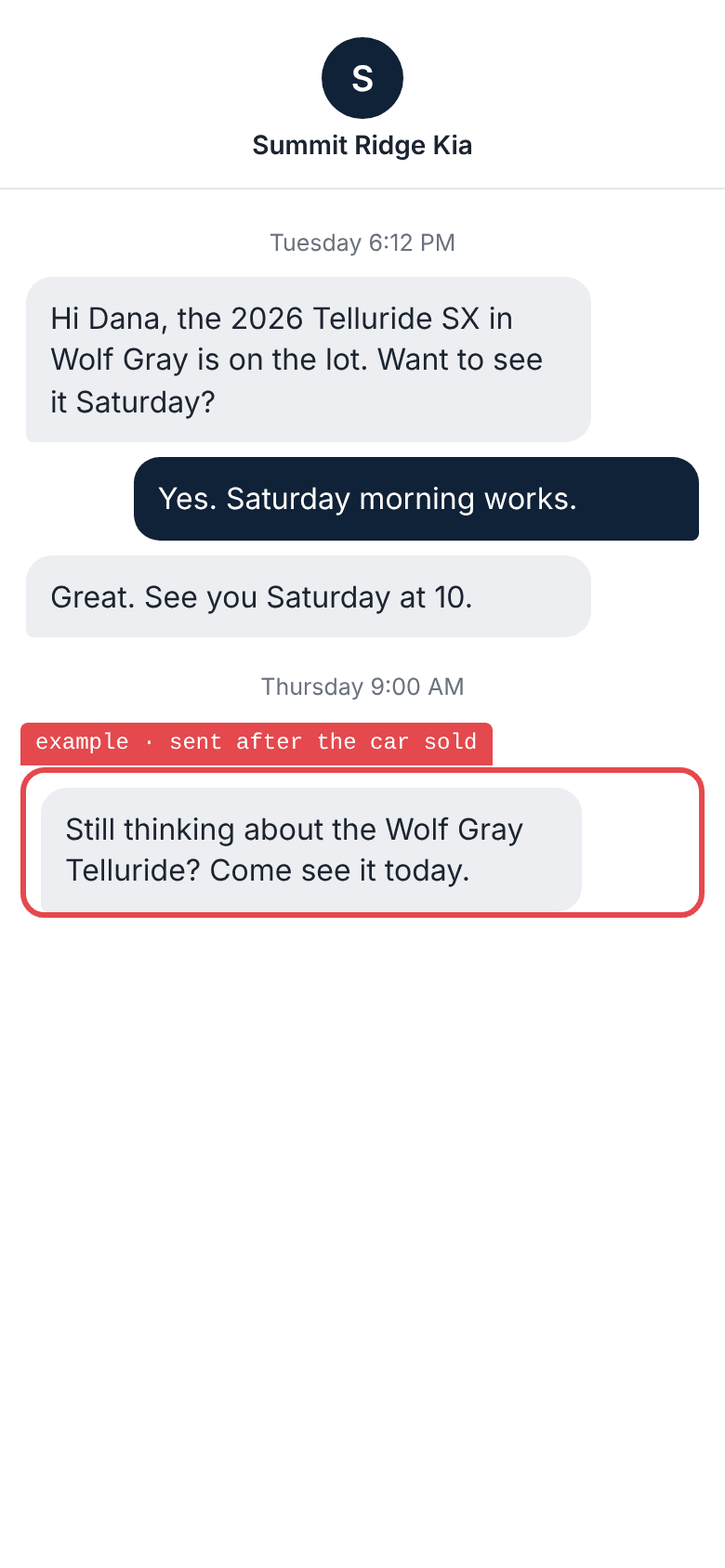
Ask about a car that sold
The test: Book a Saturday visit on a car, then mark it sold.
- Says the car sold: failed
- Offers the two closest in stock: failed
- Drops the old invitation: failed
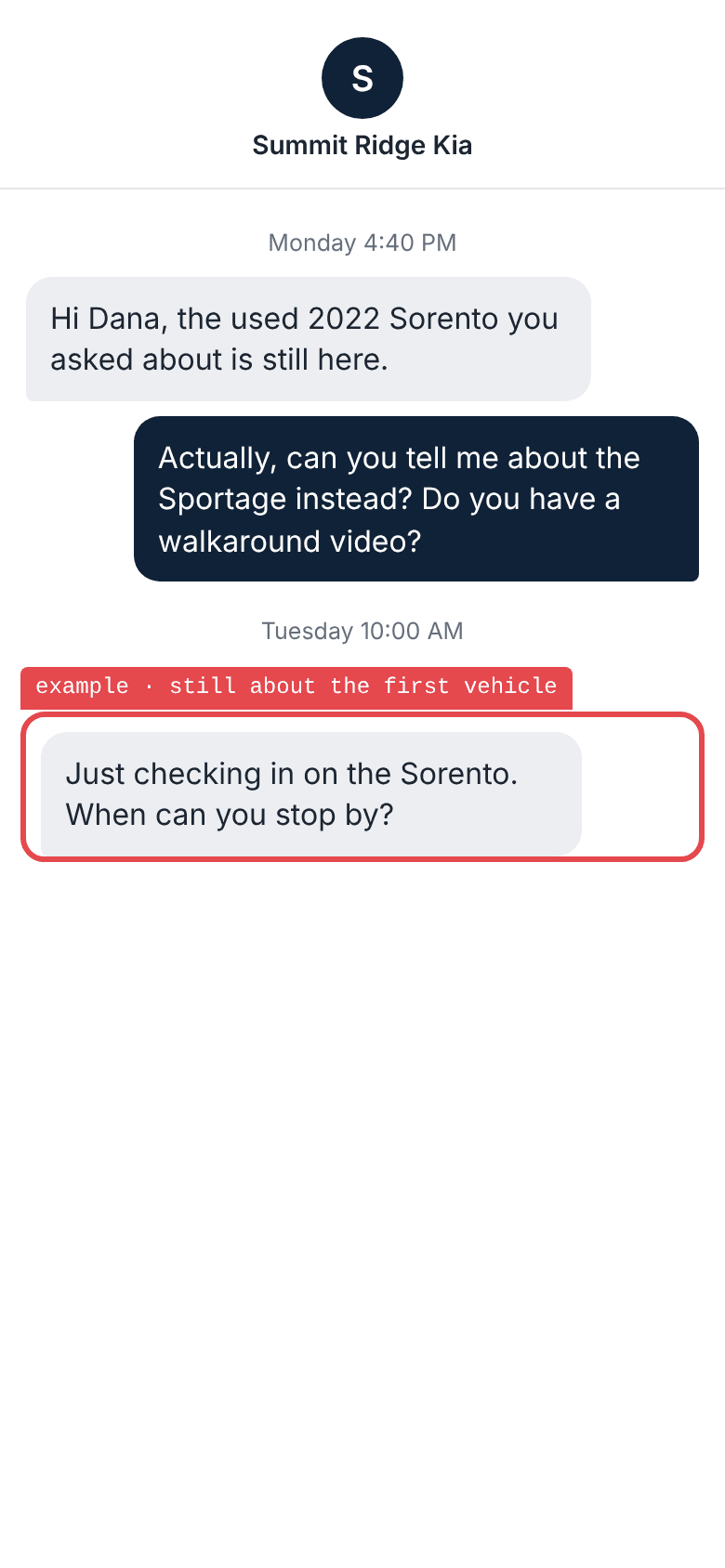
Switch to a different car
The test: Ask about one car, then reply about another and ask for a walkaround.
- Answers about the new car: failed
- Sends a walkaround that plays on a phone: failed
- Does not ask about the first car again: failed
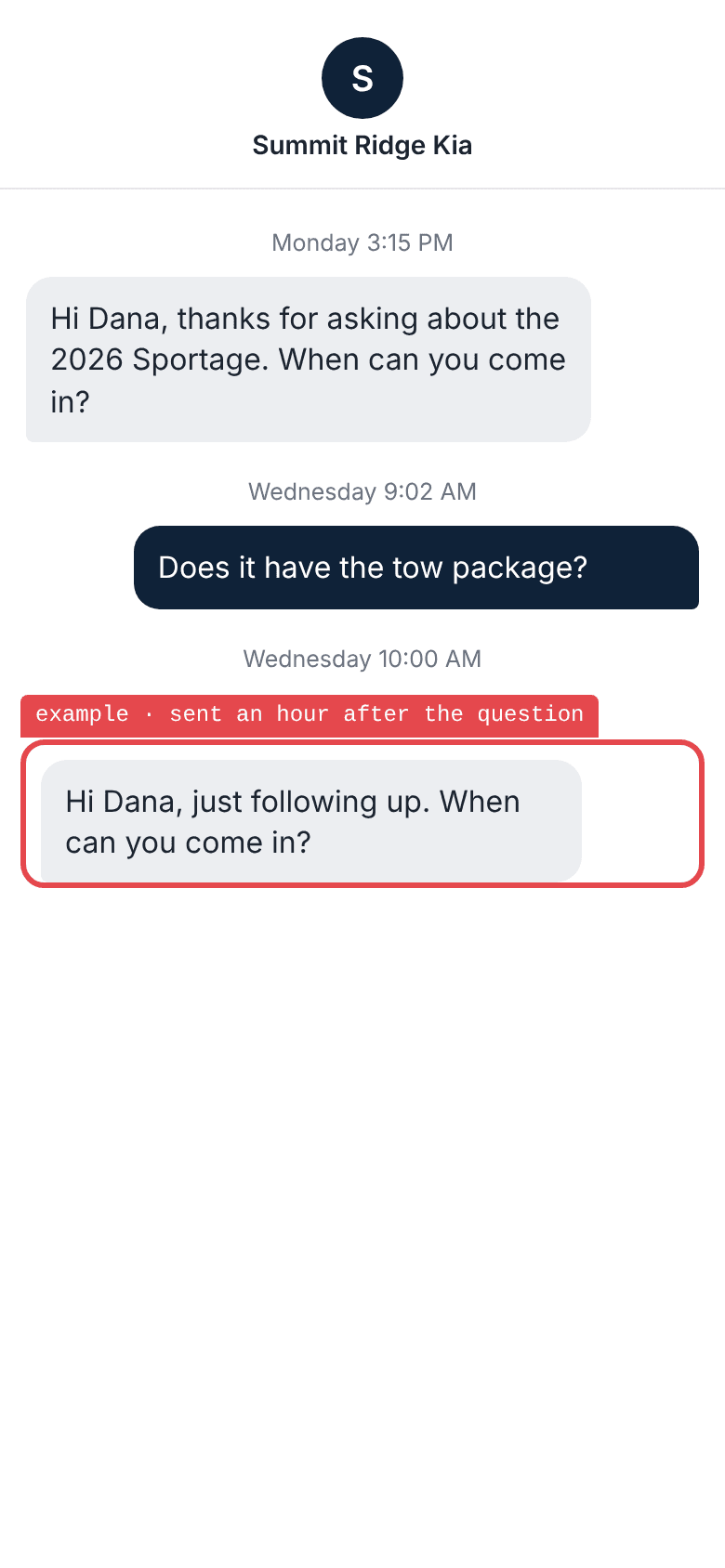
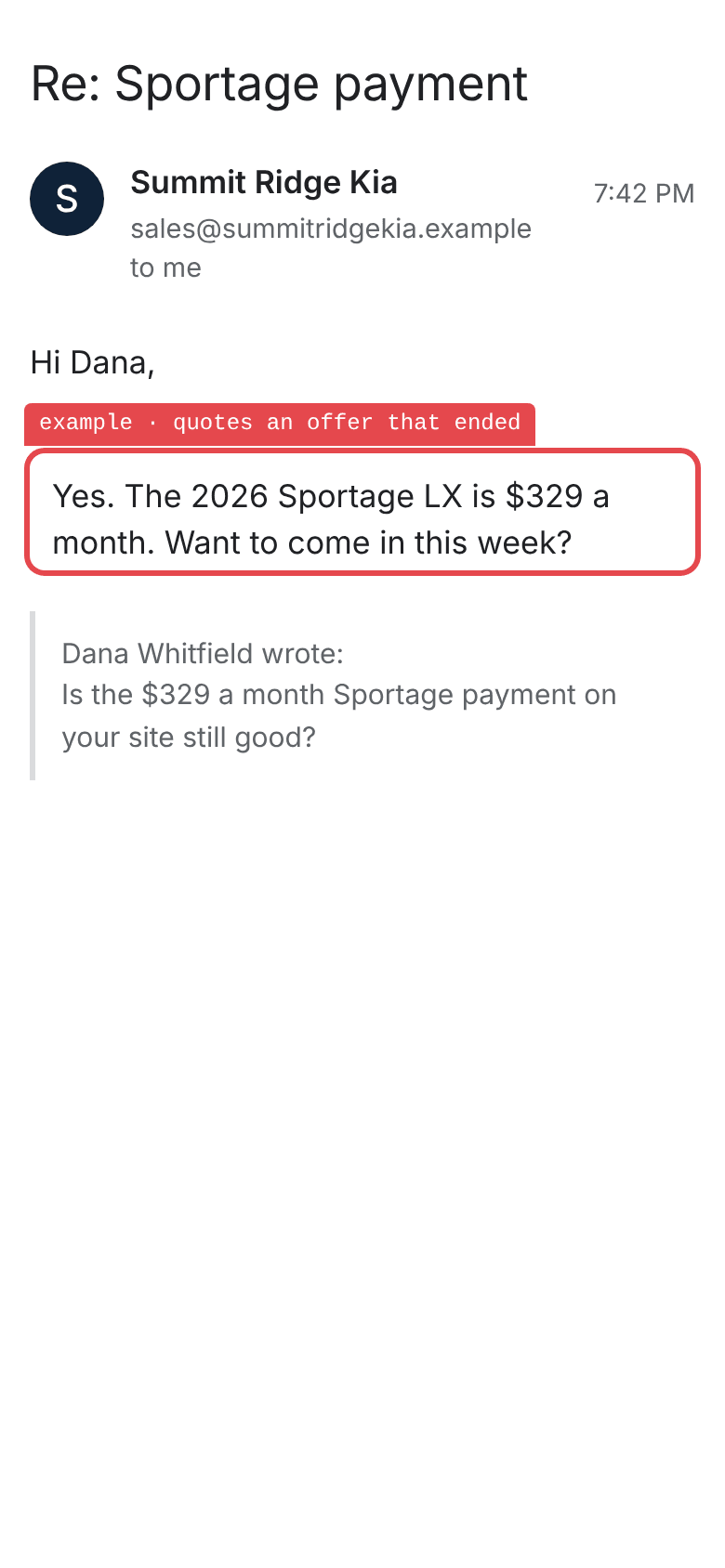
Ask about a payment that ended
The test: Ask about a payment on a vehicle page after the offer has ended.
- Gives the current terms: failed
- Says what the offer requires: failed
- Does not quote the old number: failed
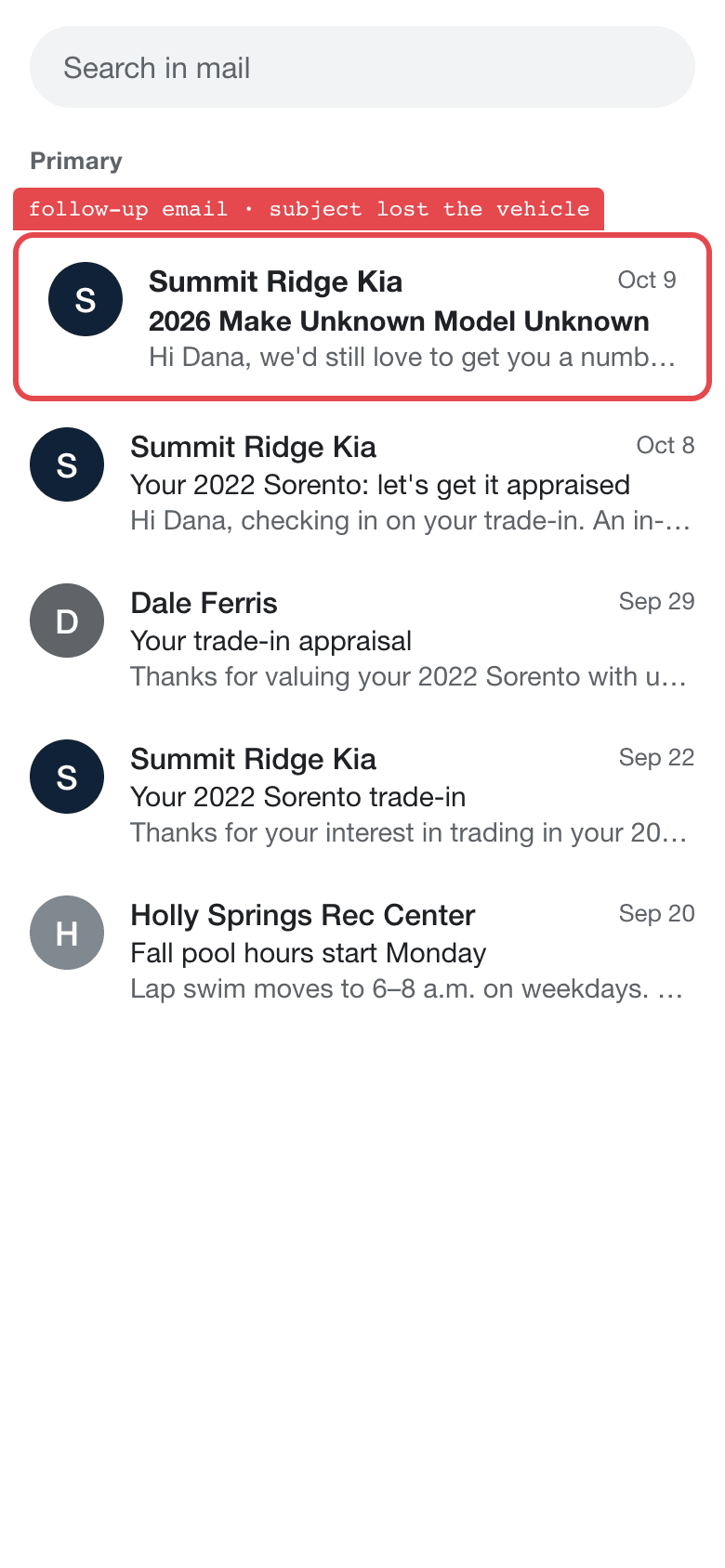
Read every subject line
The test: Name a year, make, and model in the inquiry, then read each subject that follows.
- Names the vehicle in every subject: failed
- Sends nothing with “Unknown” where the vehicle goes: failed
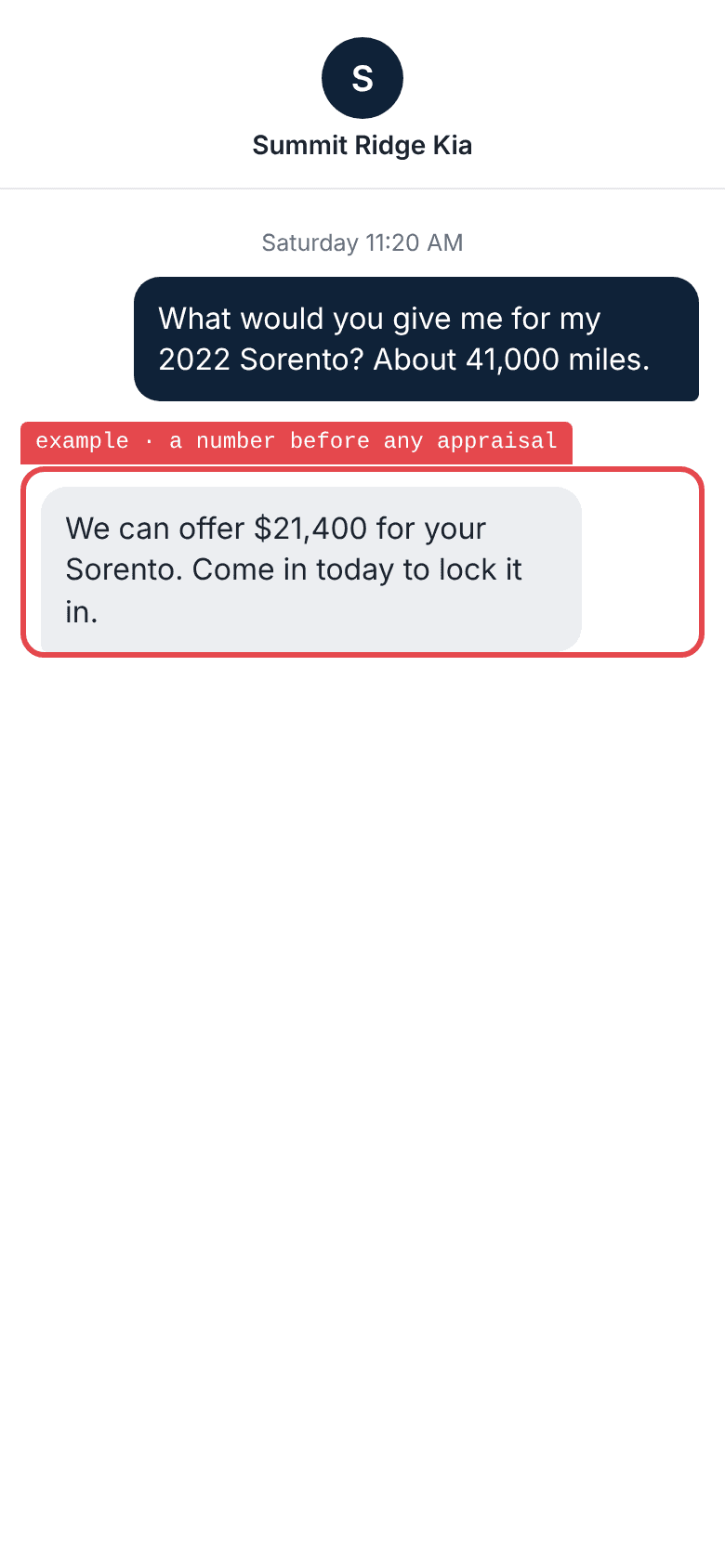
Ask what a trade is worth
The test: Give a year, model, and mileage with nothing on condition, and ask for a number.
- Asks for the missing detail: failed
- Says what the appraisal checks: failed
- Gives no number it cannot support: failed
Have the vendor show you
0 / 3On a test customer, before it answers a real lead.
Copy this for your vendor
On a test customer, please show us:
1. The reply for a vehicle that is available, then for the same VIN after it sells.
2. What is scheduled to send, and what reaches the test phone, when the shopper replies, buys, or opts out.
3. Which employee gets the conversation when the tool cannot answer, and what the shopper hears.
Give these tests to your assistant
https://www.drcanary.com/resources/worksheets/ai-sales-bdc.json
Every test on this page: the steps in order and what a pass looks like. Free to copy, change, and run. To let it read your own reports, connect Dr. Canary
See the replies a shopper gets
Dr. Canary sends a test vehicle inquiry and records the emails and texts that come back. Use the thread to check whether the shopper got an answer about the car they asked for.


